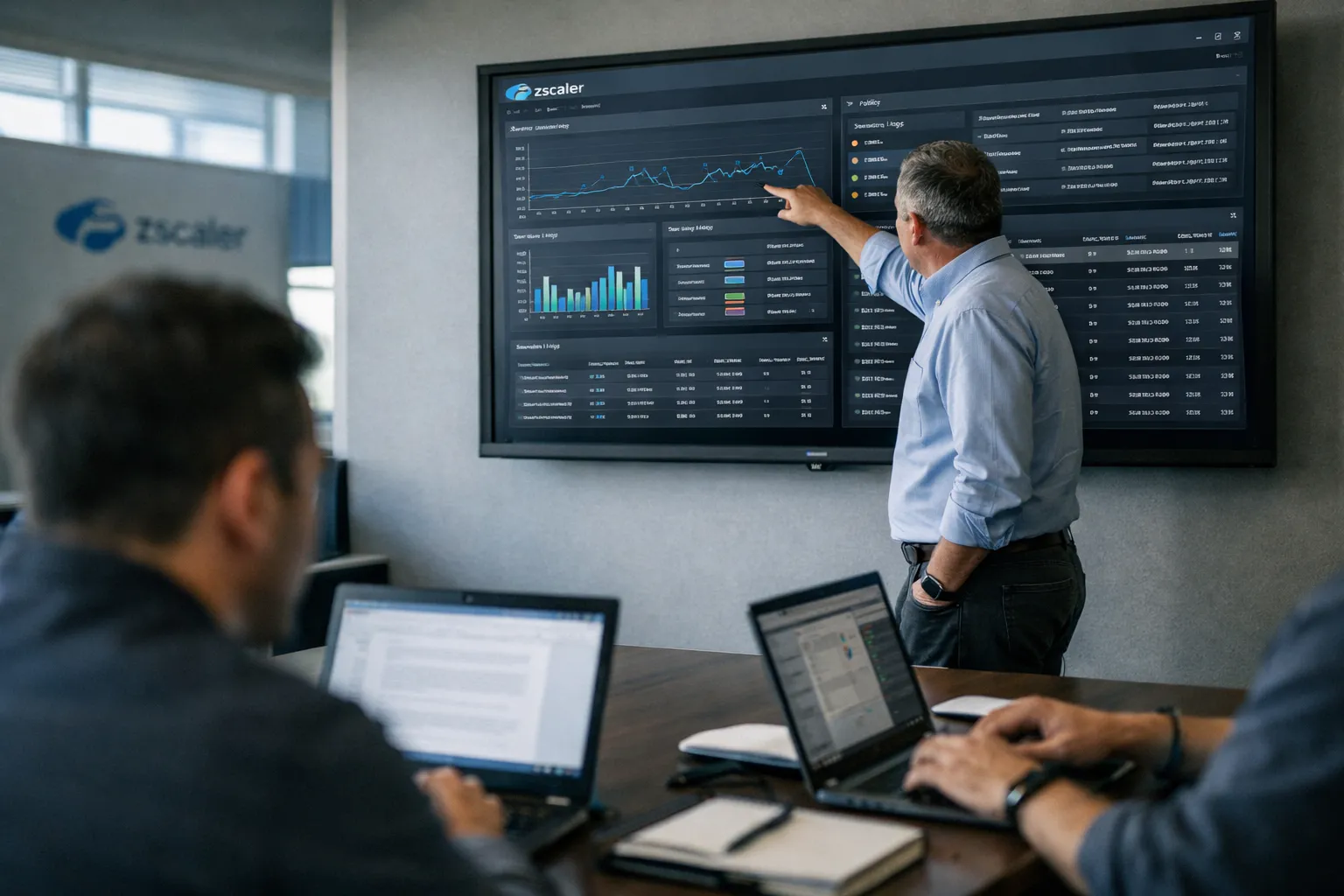
This November 2026 update refreshes our June 2026 review of Zscaler Cloud Browser Isolation with current operational intelligence: what has changed in adoption and deployment patterns, fresh pilot guidance and KPI targets based on recent enterprise evaluations, updated pricing signals, and compliance considerations shaped by ongoing regulatory scrutiny. The goal remains practical—help IT and security architects decide whether to run Zscaler isolation in production right now and how to do it without surprises.
Overview: What we reviewed — key specs at a glance
- Product: Zscaler Cloud Browser Isolation (cloud-executed rendering; supports pixel‑stream and DOM‑proxy modes)
- Integration: Add-on to Zscaler Internet Access (ZIA) / Zscaler Private Access (ZPA); managed through the Zscaler admin console
- Deployment modes: Inline cloud isolation; reverse‑proxy for private apps via ZPA; per-user/group granular policies
- Indicative pricing (market‑referenced as of Nov 2026): typical reseller quotes continue to fall in the low‑single‑digit to low‑teens USD per user/month band depending on features and committed volume; obtain formal quotes for your coverage model.
- Primary value: centralized browser threat mitigation, DLP integration and consolidated operational telemetry for enterprises on Zscaler’s SASE stack
Background — who makes this and who it's for
Zscaler is a SASE-focused security vendor; its Cloud Browser Isolation extension is designed to remove risky web content from endpoints by executing pages in the cloud and presenting either a pixel stream or a proxied DOM to users. The product is aimed at medium and large enterprises that prioritize centralized policy, broad BYOD or contractor coverage, and operational simplicity when they are already invested in ZIA/ZPA.
What's changed since June 2026 — November 2026 signals
- Broader pilots, narrower acceptance criteria: Through Q3–Q4 2026 we've seen more organizations run larger mixed cohorts in pilots (500–5,000 users) and apply stricter KPIs before widespread enforcement—particularly around input latency and egress cost modeling.
- Policy automation adoption: More teams are operationalizing telemetry-driven policy rollouts (advisory → enforced) via APIs to reduce admin burden and ramp safely across geographies.
- Regulatory focus on processing locality: Continuing cross‑border data‑flow scrutiny in EU, UK and several APAC jurisdictions makes POP-to-region mapping and contractual data processing terms a procurement priority.
- Cost sensitivity: Enterprise procurement increasingly models egress, storage for safe‑preview artifacts, and peak concurrency into TCO; one common procurement outcome is hybrid coverage (full isolation for high‑risk groups, advisory or allowlist-based controls for heavy‑media users).
Features analysis — what's notable in late‑2026
- DOM‑proxy vs pixel modes: DOM‑proxy remains the preferred mode for many business‑critical SPAs (Office 365, Salesforce, ServiceNow) because it reduces bandwidth and improves interaction fidelity versus pixel streaming; expect to validate specific complex apps in pilots.
- Latency and transport: Edge optimizations and network path improvements have reduced median input latency for standard SaaS workflows versus early 2026 reports, but sub‑50 ms real‑time use cases (trading, low‑latency collaboration) still require direct paths or local agents.
- DLP and telemetry exports: Isolation sessions continue to integrate with Zscaler DLP, sandboxing and SIEM exports (CEF/Syslog); practical value comes from aligning security and legal teams on retention windows for session metadata and safe‑preview artifacts.
- Accessibility: Progress continues in ARIA mapping and assistive‑technology hooks; several large pilots report fewer show‑stopper gaps, but formal accessibility validation with actual users remains mandatory for compliance and usability.
- APIs and automation: Policy and reporting APIs are now commonly used to automate gradual rollouts, telemetry‑based exceptions and incident playbooks—this reduces human error and speeds remediation.
Pros and Cons — updated balance for November 2026
- Pros
- Operational consolidation: single admin plane and consolidated logs for teams already on ZIA/ZPA remain the strongest operational benefit.
- Improved SPA compatibility: DOM‑proxy refinements have reduced breakage on many mainstream business apps in real deployments.
- Better pilot tooling: automation APIs and richer telemetry shorten time to decision in controlled rollouts.
- Cons
- Residual latency and real‑time suitability: still not suitable for sub‑50 ms workflows or high‑frame‑rate collaborative editing without local paths.
- Egress and storage costs: these continue to materially affect TCO for international deployments and media‑heavy workgroups.
- Accessibility parity incomplete: improved but not universal—plan formal testing with assistive‑technology users.
Administration and operations — updated practical guidance
Operational maturity matters more than ever. Updated pilot and rollout guidance for Nov 2026:
- Pilot design: 30–90 day pilot depending on scale. Include: knowledge workers (Office/Collaboration), CRM/ERP teams, contractors, and heavy‑media users. Simulate peak concurrency and real user telemetry.
- KPIs to track (updated targets):
- Page‑load delta: target 20% increase for DOM‑proxy; measure 95th percentile, not just median.
- Added input latency: target 100–120 ms for standard SaaS; if >120 ms at 95th percentile, investigate routing or mode changes.
- Frames per second (pixel sessions): target >15 fps for acceptable UX; prioritize DOM‑proxy where possible to reduce bandwidth.
- Egress bandwidth: track GB/user/month and model peak concurrency for realistic monthly cost projections.
- Identity and SSO: Preserve IdP session context; validate session‑scoped DLP and SSO timeouts for shared/BYO devices.
- Automation: Use APIs to run advisory→enforce rollouts and to create telemetry‑driven exception rules for heavy‑media workflows.
Security and compliance — late‑2026 considerations
Isolation reduces browser attack surface but does not eliminate the need for layered controls. For November 2026 procurement and audits:
- Require explicit POP‑to‑customer‑region mapping and data processing addenda to address cross‑border concerns.
- Model egress charges and storage for safe‑preview artifacts in procurement scenarios; request sample invoices or egress calculator outputs from resellers.
- Combine browser isolation with endpoint hardening, network segmentation and identity‑based microsegmentation for high‑risk workloads.
Pricing and value — what to expect now
Zscaler continues to price isolation as an add‑on to ZIA/ZPA. Procurement signals in late‑2026:
- Per‑user subscriptions: Indicative reseller ranges commonly remain in a single‑digit to low‑teens USD per user/month depending on volume, feature set (DOM‑proxy vs pixel streaming), and SLA tiers—confirm current quotes for your committed volume.
- Consumption models: Some deployments negotiate blended models for intermittent contractors or seasonal workloads; confirm how peak concurrent sessions or GB egress are charged.
- Hidden costs to model: Bandwidth/egress, storage for safe‑preview artifacts and SIEM ingestion costs can add materially to monthly spend—use measured pilot telemetry to estimate TCO.
Bottom line: for organizations already on ZIA/ZPA, marginal operational benefits often justify the add‑on cost; greenfield buyers must model UX trade‑offs and egress/storage costs carefully.
Who it's for — November 2026 use cases
- Enterprises that already run Zscaler SASE and want centralized browser controls across managed and unmanaged endpoints.
- Security teams needing rapid mitigation for browser‑borne threats across contractors and remote workers where endpoint agent coverage is incomplete.
- Organizations with document‑centric SaaS workflows where modest latency is acceptable in exchange for stronger DLP and auditable session artifacts.
Alternatives — competitors to evaluate in 2026
- Netskope Browser Isolation: Strong DLP and CASB integration; evaluate if Netskope is already in your security stack.
- Cloudflare Browser Isolation: Attractive global edge footprint and simpler consumption models; worth considering if you use Cloudflare for WAN/edge services.
- Microsoft’s isolation approaches (Edge/Application Guard + Defender for Cloud Apps): Compelling where Microsoft 365 and Azure AD dominate your environment.
Verdict
As of November 2026, Zscaler Cloud Browser Isolation remains a practical, enterprise‑ready option—especially for organizations already embedded in Zscaler’s SASE ecosystem. DOM‑proxy refinements and better pilot automation have reduced many UX friction points; however, egress/storage costs, residual latency for real‑time workflows, and accessibility validation remain the key decision levers. Run an instrumented pilot, model costs from measured telemetry, and validate assistive‑technology workflows before full rollout.
Practical next steps for evaluators
- Run a 30–90 day pilot including heavy SaaS and contractor cohorts; capture real concurrency and egress telemetry.
- Measure page‑load and input‑latency deltas at the 95th percentile, frames per second for pixel sessions, and GB/user/month for egress.
- Validate SIEM export, retention policies, and eDiscovery workflows with security and legal teams.
- Test accessibility workflows with real assistive‑technology users and capture remediation tasks before wide deployment.
FAQ — common evaluator questions
Will Zscaler isolation break critical web apps we depend on?
Most mainstream SaaS (Office 365, Salesforce, ServiceNow) work under DOM‑proxy or pixel modes, but complex single‑page applications with intensive real‑time scripting or proprietary plugins can still show input lag or rendering artifacts. Pilot representative apps and validate functional acceptance at 95th‑percentile KPIs before enforcing broadly.
How much extra latency should I expect today?
For typical form‑heavy SaaS, added input latency commonly falls under 100–120 ms in many deployments; measure the 95th percentile in pilot telemetry. Pixel‑stream sessions and real‑time collaboration tools can exhibit higher delays—if sub‑50 ms is required, isolation may not be feasible for those users.
Does isolation satisfy data‑sovereignty or compliance requirements automatically?
No. Isolation reduces endpoint exposure but does not automatically meet residency or contractual obligations. Require POP mapping, specific contractual data processing terms and retention controls before procurement, and validate with your legal and compliance teams.
How should I budget for costs beyond seat licensing?
Include predicted egress bandwidth (GB/user/month), storage for session logs and safe‑preview artifacts, SIEM ingestion costs and any professional services for rollout. Use measured pilot telemetry to create realistic monthly cost estimates and request concrete egress/storage pricing from your reseller.
Can browser isolation replace endpoint security?
No. Browser isolation is a complementary control that significantly reduces browser attack surface, but endpoints still need anti‑tamper protections, patching and segmentation for comprehensive defense‑in‑depth.