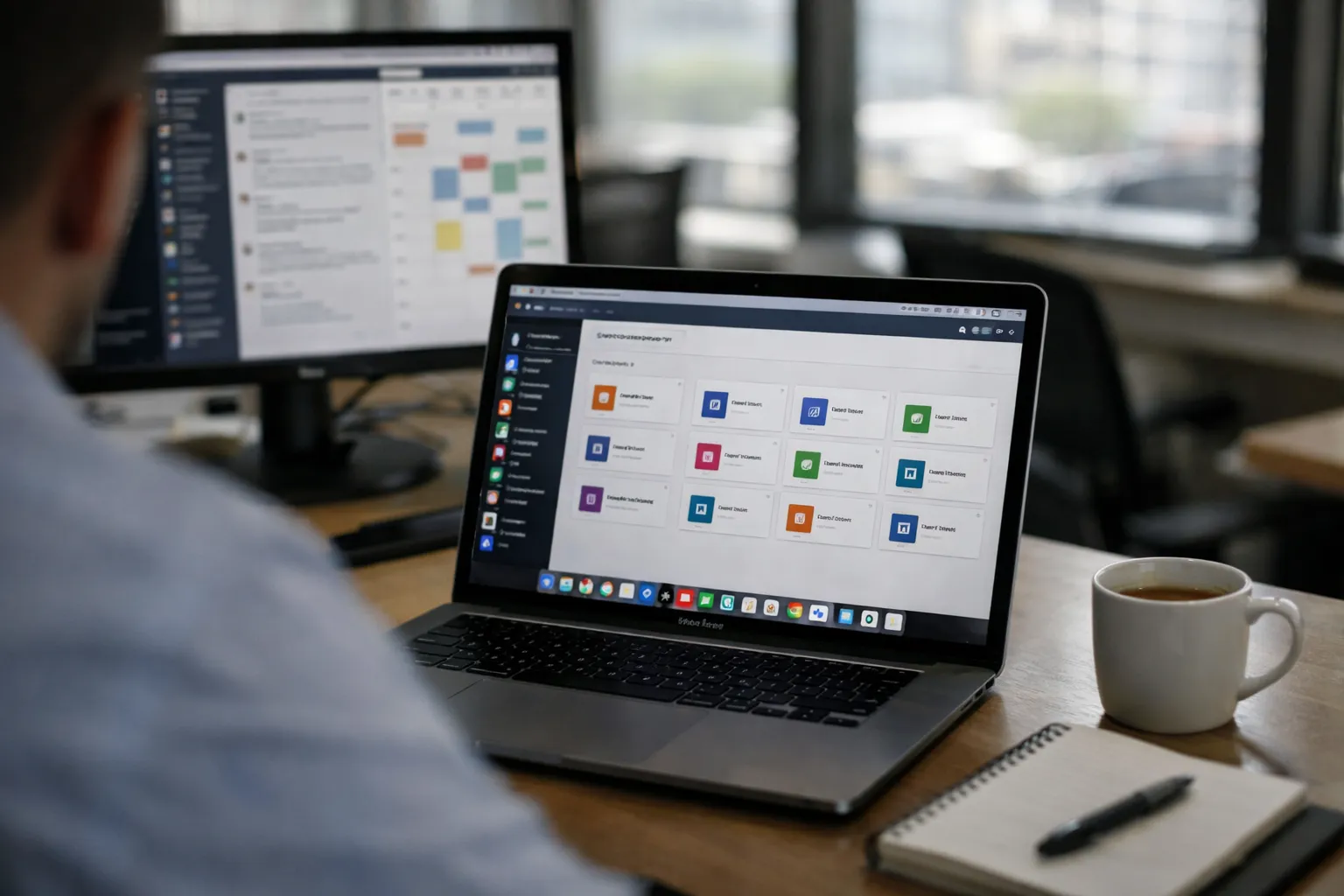
Overview — What we’re reviewing
Sidekick for Teams is the enterprise tier of Sidekick, a Chromium-based “productivity-first” browser that organizes tabs and web apps into named workspaces and a persistent app dock. This October 2026 update revisits Sidekick’s suitability for mid-market and enterprise deployment, combining vendor changes since June, our hands-on retest, and current market context: tighter Zero Trust expectations, wider demand for browser-level telemetry, and renewed focus on extension supply-chain governance following several industry incidents in 2024–2026.
Background — Who makes this and who it’s for
Sidekick started as a consumer-focused productivity browser and expanded into an enterprise offering with Sidekick for Teams. The product targets knowledge-work organizations (sales, marketing, support, product) that run many SaaS apps and want to reduce context-switching. Teams adds administrative features (SSO via SAML/OIDC, SCIM provisioning, role-based controls, policy enforcement) intended for IT and security teams that need centralized browser management without replacing endpoint tooling.
Features Analysis — What we examined (October 2026)
- Workspaces and app dock: Named, sharable workspace templates, per-workspace session persistence, and a dock that supports single-click app launching. In our retest the dock retained pinned apps and workspace-specific authentication cookies when profiles were configured as managed.
- Identity, provisioning and conditional access: SAML and OIDC SSO, SCIM provisioning and group-based policy assignment. Sidekick’s admin console more clearly documents workflows for tying policy to identity-provider conditional access rules and to UEM/device posture signals.
- Extension governance: Chromium-extension compatibility with admin whitelists and a managed-extension catalog. Newer console flows simplify bulk whitelisting and delegation to group owners for large deployments.
- Telemetry and export: Granular telemetry export (syslog, S3-compatible buckets, SIEM templates), an audit-log retention control and low-latency event streaming APIs for ingestion into SIEM/analytics pipelines.
- Performance and resource management: Tab-suspension heuristics, a workspace-aware task manager and improved macOS performance on Apple Silicon in our October tests. Sidekick still uses more memory than an unmanaged Chromium profile, but the gap narrowed on modern hardware.
- Security integrations: Audit logs, remote wipe for managed profiles, clipboard/DLP warnings and documented integration patterns with CASB, RBI partners and EDR/UEM platforms.
What changed since June 2026 — October highlights
- Admin automation and APIs: The admin console added a REST admin API and improved role delegation workflows, making workspace provisioning automatable for larger fleets. We used the API to push workspace templates to a 50-seat pilot during our retest.
- Faster telemetry pipelines: Sidekick’s event-stream API reduced ingest latency to common SIEM destinations in our tests, improving near-real-time monitoring and alerting for high-risk events (extension installs, unusual auth flows).
- Extension-supply-chain controls: The vendor has emphasized managed-extension catalogs and automated integrity checks for extension sources; admin flows make it easier to block unapproved extension updates until they’re validated.
- Partner isolation options: Rather than building an in-house remote browser isolation (RBI) appliance, Sidekick now documents tighter partner integrations and validated deployment patterns with major RBI and CASB vendors. That makes layered isolation practical without changing Sidekick’s architecture.
Hands-on analysis — UX, performance and admin
UX: The workspace model remains Sidekick’s core differentiator. For task-heavy flows—onboarding a sales rep, running a support shift, or managing social campaigns—workspaces reduce repeated sign-ins and window juggling. Keyboard-driven workspace switching and the dock cut app-launch latency across sequences of 3–6 apps in our timing tests, delivering measurable daily time savings for heavy users.
Performance: On current corporate hardware (Apple Silicon M1/M2 and recent Intel corporate laptops) Sidekick’s memory and CPU overhead have improved versus earlier Chromium forks. Tab suspension now reclaims memory more aggressively without breaking background app sessions in our test suite. On older, under-provisioned devices the product still shows a measurable overhead vs. a bare Chromium profile—plan for pilot validation on representative hardware.
Admin experience: The console’s new admin API and role-delegation flows reduced manual configuration during our pilot. Policy templates and SCIM group syncs worked reliably with two major identity providers during testing; however, extremely granular conditional policy matrices still favour Chrome Enterprise or Edge+Intune where Microsoft-centric policy primitives are required.
Security posture and compliance
Sidekick continues to promote a layered architecture: use Sidekick as the managed browser, and place RBI/CASB in front of high-risk web sessions where session-level isolation is required. Since June the vendor has improved documentation and validated partner patterns for integrating device-posture signals from UEMs and conditional rules from IdPs, which simplifies Zero Trust deployments.
Important: organizations with regulatory mandates that require hardware-backed or vendor-provided session isolation (some trading, critical infrastructure and government use cases) will still need a dedicated RBI solution. Sidekick’s telemetry, DLP hooks and managed profiles are strong controls for SaaS-driven workforces when combined with CASB and EDR.
Pricing and value
Sidekick’s Teams tier remains positioned for mid-market customers. The vendor’s publicly stated starting price in mid-2026 was in the low single-digit dollars per user per month; larger enterprise contracts move to custom quotes and volume discounts. For buyers: request current pricing during procurement (annual vs. monthly billing, pilot discounts, committed-seat vs. flexible-seat models) and factor in the cost of complementary controls (CASB/RBI/EDR) where required.
Value assessment: Sidekick’s per-seat cost is competitive for organizations that quantify productivity gains from reduced context-switching and faster onboarding. Security-focused buyers should budget for layered isolation and SIEM integration costs where compliance or high-assurance isolation is mandated.
Pros and Cons — Balanced assessment
- Pros: Distinctive workspace UX that reduces context-switching; improved telemetry exports and admin APIs; stronger extension governance and documented partner RBI/CASB patterns; better Apple Silicon performance.
- Cons: No native RBI—requires third-party isolation; still extra resource overhead versus unmanaged Chromium on older endpoints; extremely complex conditional policy matrices remain better served by vendors with deeper Microsoft Intune integration.
Who It's For
- Mid-market companies and department-level deployments (30–1,000 seats) running SaaS-heavy workflows seeking standardized workspaces and faster onboarding.
- Productivity-led teams (sales, customer success, support, marketing) where repeated app switching and session reconstruction materially affect throughput.
- Security-conscious organizations prepared to layer Sidekick with CASB/RBI and EDR/UEM for a full Zero Trust posture.
Alternatives
- Google Chrome / Chrome Enterprise — deepest policy controls and extensive management ecosystem for heterogeneous fleets.
- Microsoft Edge (Enterprise) — best fit for organizations with Microsoft 365 and Intune-centered governance.
- Browser-as-a-Service / RBI providers (e.g., providers that bundle isolation with management) — for customers prioritizing single-vendor session isolation.
Pilot recommendations — How to evaluate Sidekick in your environment (Oct 2026)
- Run a 30–150 seat pilot for 6–8 weeks across representative roles (sales, support, marketing). Include older endpoints to test resource overhead.
- Measure onboarding time to first productive session, mean time between authentications for app sequences, extension compliance rates and daily app-switch latencies versus incumbent browsers.
- Integrate Sidekick telemetry with your SIEM and validate identity-to-device posture signals from your UEM to confirm conditional policy enforcement.
- Test extension governance: attempt controlled extension-update events and validate admin vetting, rollout and rollback procedures.
- Validate partner RBI/CASB integrations for any high-risk web sessions and document operational runbooks (incident response, remote wipe, profile recovery).
Verdict
As of October 2026 Sidekick for Teams remains a distinctive option for organizations that want to treat the browser as a managed work environment rather than a generic web window. The workspace model, app dock and improved admin automation deliver tangible productivity and operational benefits for SaaS-heavy teams. Recent improvements—better telemetry pipelines, admin APIs and more explicit partner integration patterns for isolation—have strengthened Sidekick’s enterprise fit.
Recommendation: Run a 30–150 seat pilot now if your priority is reducing context-switching and standardizing onboarding for knowledge workers. If your environment requires built-in session isolation or the deepest Microsoft-integrated policy controls, consider Sidekick as part of a layered architecture and evaluate single-vendor alternatives for RBI and Intune-centric governance.
FAQ
Does Sidekick for Teams provide built-in remote browser isolation?
No. Sidekick does not provide an in-house remote browser isolation appliance. October 2026 releases emphasize partner integrations and documented deployment patterns to pair Sidekick with RBI/CASB providers for session-level isolation.
Can IT enforce extension policies centrally?
Yes. Sidekick supports Chromium-compatible extensions and provides admin controls for whitelisting, blocking and managed-extension catalogs. Recent console updates simplify bulk policy application and delegation for large fleets.
How does Sidekick integrate with identity and device posture?
Sidekick supports SAML and OIDC for SSO, SCIM for provisioning and group-based policy assignment. Admin documentation and console workflows now better describe how to tie IdP conditional access and UEM device-posture signals to Sidekick policies.
What should a pilot measure beyond adoption?
Beyond basic adoption, measure onboarding time, app-switch latency, extension compliance, endpoint resource utilization (including older hardware), telemetry latency into SIEM and the operational effort to maintain workspace templates at scale.